I can’t harp on enough of backing up your work and once again I was reminded (by my own experience) just why this is so important.

Backups Save Lives
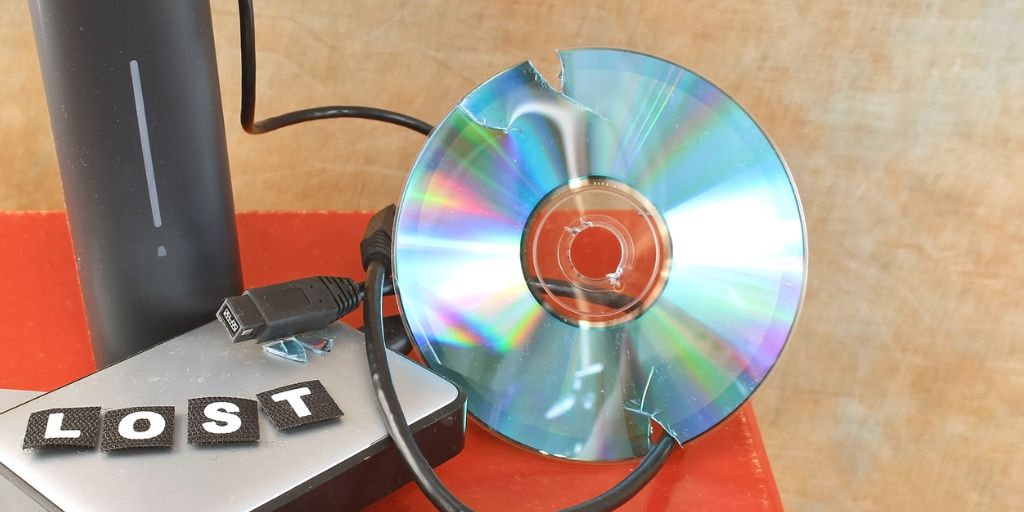
Okay, so maybe that is an over-exaggeration, but if you’ve ever lost work (a lot of work… like a whole novel) you will understand that deep-in-the-pit-of-your-stomach sensation of loss and being unable to function for a while.
I’ve had that happen when my floppy disk (yes, I am THAT old) corrupted…and the backup I made from that floppy – rather than from the source (I was young), also corrupted. and swore I never wanted it to happen again…
Only for years later, for me to spill a whole cup of tea on my laptop and then learn that my (at the time) cloud system was actually shit…
Yeah… I’ve been there.
So nowadays I am a lot more paranoid when it comes to my backups. Where is this going you might be asking? Well, recently I had the need to use those backups.
The Paper Project
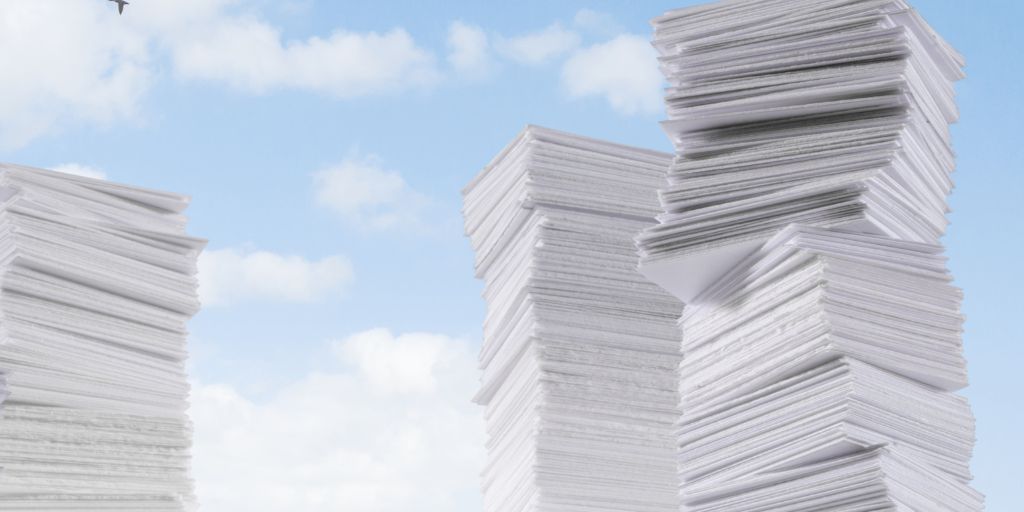
I’m currently undergoing a HUGE project, called… wait for it… Project Paper! I’m so creative 😀 It’s part of my “The Organised Life Challenge.”
Within that project, I was working on official documents. However, I had one of my manic meltdowns and decided I hated all the paper and I wanted to do something big. Oftentimes I need “big spontaneous moments” to get things done.
I contacted a Professional Shredding company, which sends a truck and shreds your papers, down to powder. Great if you have confidential papers… and I do. I have old business papers I no longer need but there is more than my dinky little shredder can handle.
As well as old business papers to shred… I thought, let’s shred duplicates of my manuscripts/scenes etc and heck, anything else that I need to get rid of that would just take too much time for me to shred through myself.
Well, the Shredding company is coming on 27th April… and I realised my paperwork was… *laughs* intense. So I’ve spent the last 3 weeks going through a mountain of work. But I also found old scenes from my Trinity Hart series. I mean LOADS… a box full… and a binder full… not to mention the filing cabinet drawer full I already knew about.
Being the smart cookie I sometimes am, I started to go through the scenes and check them against my digital copies on my PC. Most were there… some were not. That was worrying, how come I had printed copies but the digital copies were missing?
Panic ensued.
What Came Out Of It
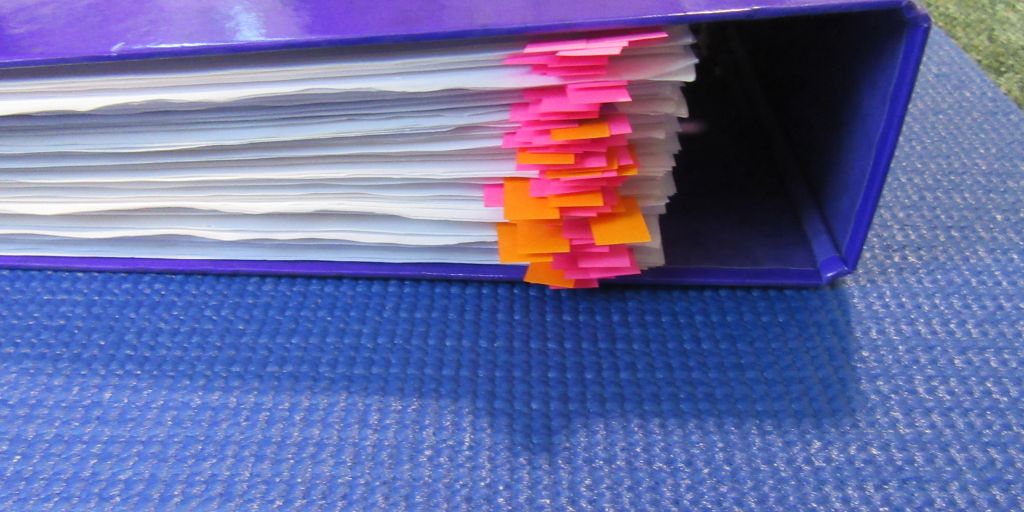
Above Image: This is my binder, the pink tags are the scenes I couldn’t originally find on my PC. The orange ones are the scenes where the digital copy is not the most updated. Soooo many!
Thankfully, I had my paper copies (duplicates…of which there were many… are all stacked for shredding) but I’m glad I had paper copies of most of my scenes.
But now I need to find the missing digital files.
Because I have backups, specifically on 2 hard drives I have been able to go back through and retrieve the missing files. I’m not sure why they are not on my PC from when I transferred everything from my laptop but they were missing.
There are one or two I still can’t locate. But that’s okay because I have the paper copies and I can just retype them.
Now, if I had just kept everything digital, I may have lost those scenes. Especially if I just over-rode all my backups with new ones. I like to keep earlier copies of my backups, just in case this sort of thing happens.
However, a backup is only as good as it is if used. So make sure you set up a schedule for backing up, and if you can, set up auto backup on your cloud system.
A note about syncing. I don’t often sync my backups and devices because I’ve heard too many horror stories where someone deleted something and then the sync deleted it from every other device and so it was lost.
Using The 3-2-1 Rule
If you aren’t sure about the best way to back up your work, aim for the 3-2-1 rule. This was conceptualised by Peter Krogh, a US photographer. Understandable, photography creates a lot of photos and the last thing you want to do is lose them. Especially if you have client photos.
Let’s talk about the 3-2-1 rule.
3 – You should have 3 copies of your data/work
2 – These copies should be on two different media (storage)
1 – With at 1 copy being off-site.
So, if you have a novel – you need to keep 3 copies of it as a backup. 2 of them should be different media, such as a hardcopy printed file and a copy on your external hard drive. And then to be extra safe, that 3rd copy should be stored off-site using a reliable cloud system.
~ ~ ~
If you haven’t thought about your backup system recently, use this as a reminder to just check on it. Make sure you have systems in place, check they are updating as they should and that you have multiple copies to help in case something goes wrong.
Backups won’t work 100% all the time, every system is fallible. But the idea is to make it as strong as possible to reduce the risk!
QUESTION: What is your method for backing up your work?

Happy writing & stay safe
 I write articles on writing, marketing, blogging, organising, social media, books and some random stuff. I also create free printable resources. If you find my content helpful and entertaining, consider supporting me on ko-fi (where you will also find extra content I post). All donations go to keeping my website running and helping me move towards publishing my novels.
 Author Ari Meghlen Official Website
Pingback: Declutter Your Digital Life: Tips And Tricks – Author Ari Meghlen Official Website
Pingback: How Important Is Flow? – Author Ari Meghlen Official Website
That is a real horror story Ari. I have a lot of pics on my blog, so even though I have backed up all my posts (which I draft in Word) plus all the photos, on a flash drive, I can only back up my blog post/comments, but not the media library on WordPress. Clearly I need to post less pics. 🙂 I have to look into an external device in case the flash drive fails. I have also bought a huge flash drive and thought I might transfer the entire blog posts/pics (10 years’ worth) onto that and put it in the safety deposit box as an extra copy. I have not written a novel but I know I would be pretty paranoid and ensuring I had it saved in multiple places like you. I need to have some serious shredding done, more than the shredder will deal with as well.
I have to admit having the shredding company do all my shredding in like 5minutes was really cathartic. My shredder would never have managed that at all!
I hope you manage to get all your media files backed up. It’s always important to keep our work and images safe. I almost lost my phone recently and I realised just how many photos I have that aren’t backed up.
so that is another job to add to the list! 🙂
It’s always something to do – sigh. A friend of mine took her records to be shredded last Saturday and had to wait in line in her car for 1 1/2 hours, so it looks like everyone is doing some Spring (record) cleaning! I’m going to make another flash drive off the first flash drive and include my blog media files which have grown in leaps and bounds. That’s too bad about the phone photos – I’m sorry to hear that.
Excellent tips, Ari!
Thanks, Kate
I have backups on Dropbox, as well as on external devices. No point me having a hard copy, since have it in a format I could make use of would take up a lot of space (braille can be bulky) but I have a couple of different kinds of digital versions.
That is a good point, I never really considered how bulky braille can be. Sounds like you are all sorted with your backups though. Do you have a schedule for when you back things up to Dropbox?
I back up to Dropbox at least once a week, and back up the copies on my external backup devices at least every other month. But if I’ve done a lot of work with a project I’ll usually bump up the date for backing up and do it everywhere right after I’ve done all that work, even if I’d backed everything up even as recently as a few hours before. I learned the hard way to do it as often as possible.
Sorry to hear you learned the hardway regarding backing up your work. I hope you didn’t lose too much of your stuff.
I keep forgetting I have Dropbox, I have no idea what is stored on that. This is a good reminder to check it.
Sounds like you have a good back up system in place for keeping your work secure
I actually lost quite a few poems, a couple of stories, and some notes. Like I said, I learned the hard way.
My system is simple, I have main file on the main SSD, backups of older files on the secondary drive and both uploaded on OneDrive. I have some backups on Google drive as well, though those need a revision.
That is definitely a good system you got there
🤔 For me, it is a combination of USB flash drives and cloud storage.
Sounds good. Do you have things syncing or do you have a schedule for when you back them up.
🙂 I go with the schedule method.
Good points here. A friend of mine lost everything, about 75% of a novel by using Scrivner. They assured her she didn’t need to save it anywhere else and then the Scrivner system crashed and she lost it all. About 2 years’ worth of work. Two lessons here, never use Scrivner and always back up even if you are told you don’t need to.
ooh ouch! That is so painful. I use Scrivener and I love it but I would NEVER trust it with my work completely. I compile the documents into Word files and have them backed up.
How awful. I can’t believe anyone at any company would be so foolish as to think a back up isn’t needed. I’m so sorry for your friend.
She’s started over but is still very upset. Of course, now she is saving it a dozen different ways!