
Okay, so once again my blog post is a day late. I am not doing the best job these last two weeks of keeping the plates spinning. Hopefully, I’ll get my sh*t together and get back on track. Sorry about the mess around everyone.
I love doing fun things when my brain decides everything else is too boring or overwhelming. So when I spotted someone on Insta who talked about making their own laptop wallpaper on Canva my attention was piqued!

Why Create A Desktop Wallpaper?
I haven’t really been using wallpaper images on my computer. Obviously, it came with some pre-loaded but I’m never a fan of them but I was being lazy. So not only did I like the idea of creating something more personal, but I could actually make it WORK for me.
With that in mind, I created a background in that I could list my monthly goals so they were always forefront of my mind when I sat down to work.
Also, it actually makes me happy to see it. Sad, but true.
My Current Wallpaper
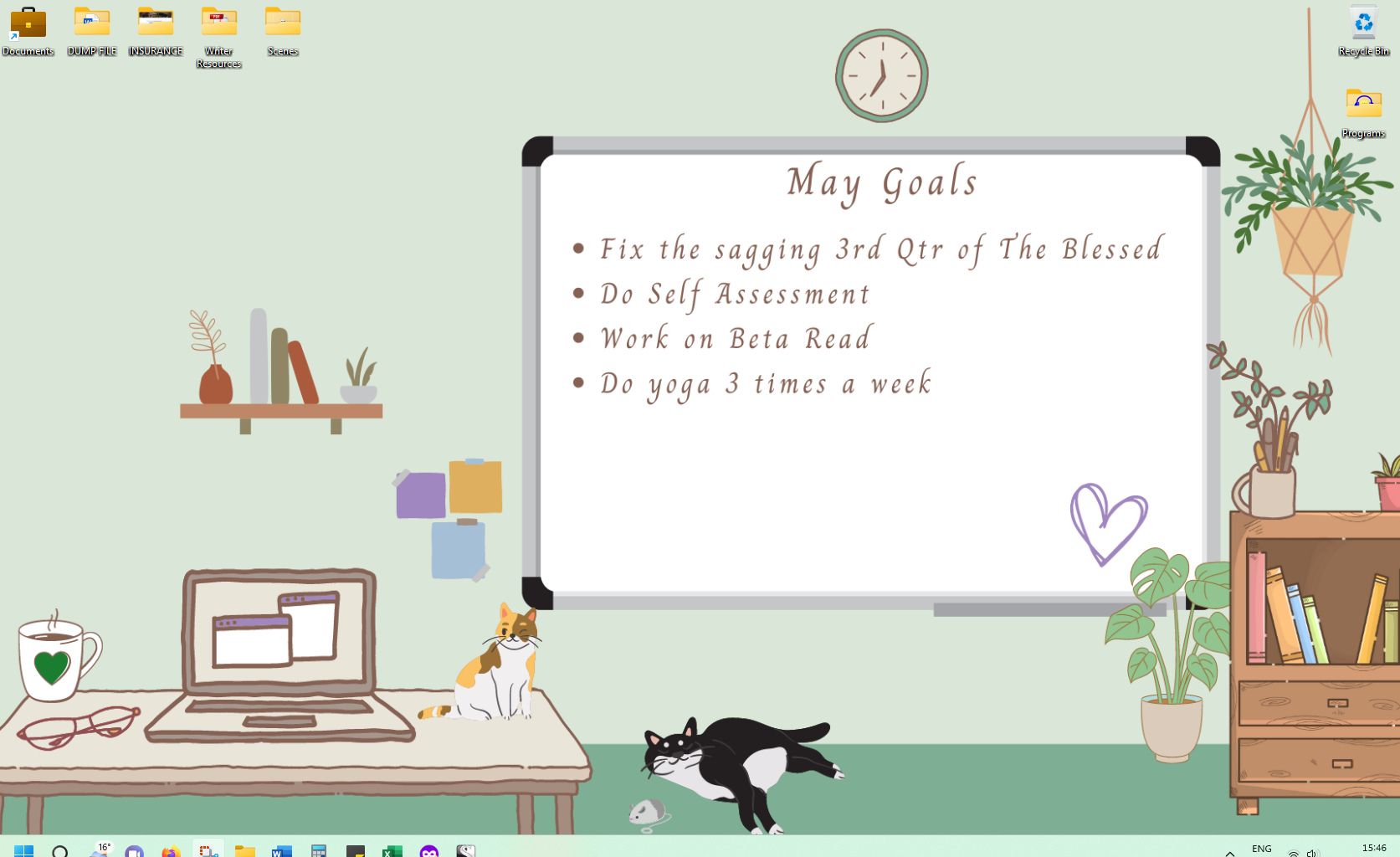
As of writing this blog, this is what my current desktop wallpaper looks like.
Making Your Wallpaper
Just go to Canva, which is a free-to-use graphic design platform and if you’ve not tried it yet you are seriously missing out. Check out the post on how to use Canva.
So, go into Canva, and then in the search bar just type in Desktop Wallpaper. And it will bring you up a ton of templates like this:
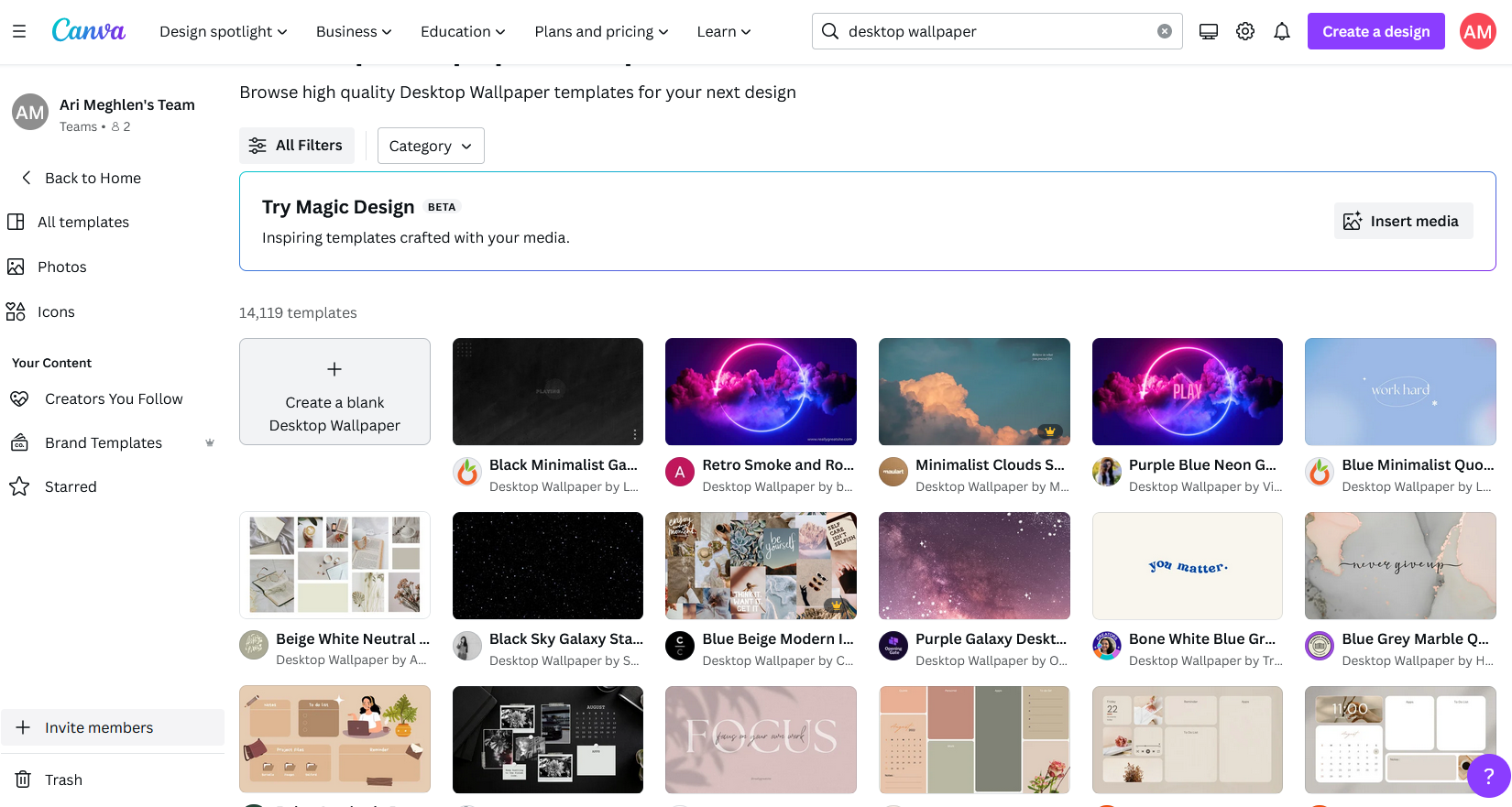
You can scroll through and select one you like to amend or choose the create a blank desktop wallpaper and build it completely yourself.
I personally chose a template style I liked then changed out several of the pieces until I was happy with the new design.
Once you have your template, you can start changing the colours of the background, for example, you could add in shapes to create dimensions such as floors and ceilings, and add in windows and decor.
Or create it like it’s one giant noticeboard or scrapbook or a wall of photo frames full of your family pictures. The possibilities are endless.
Simply go to the elements option on the left and search for what you want such as:
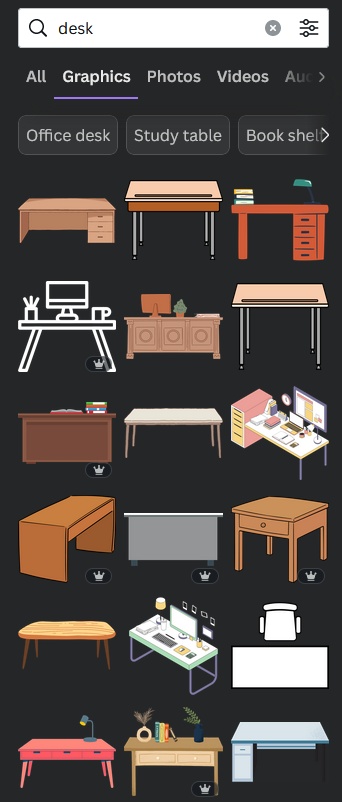
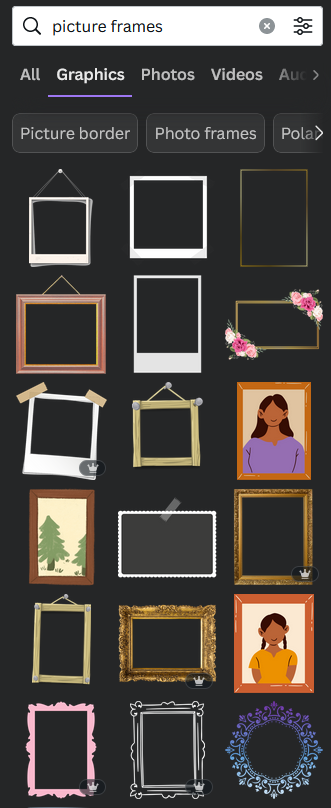
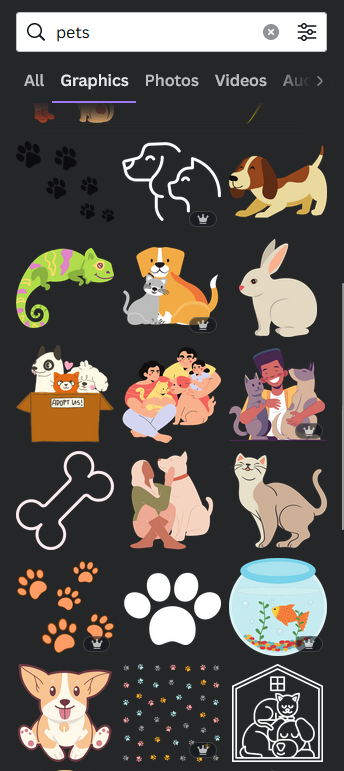
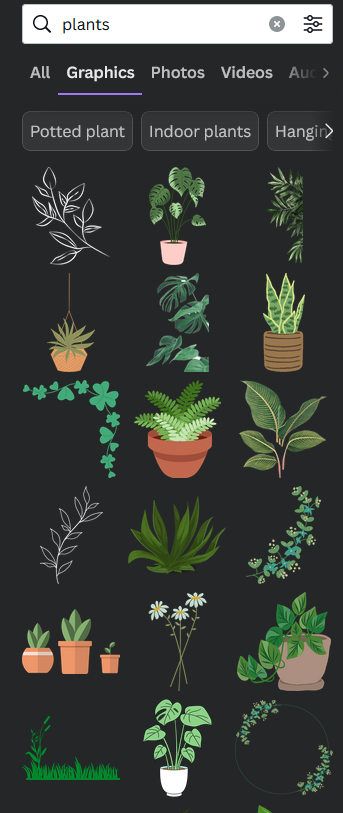
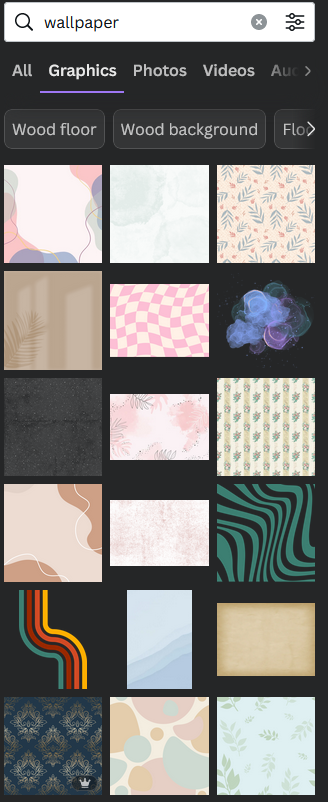
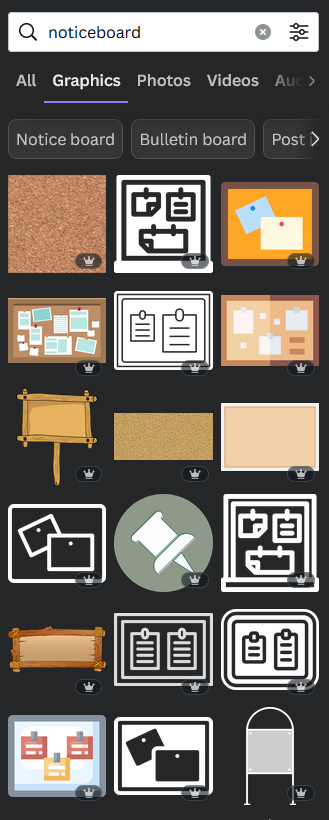
PLEASE NOTE NOTE: I have the paid Canva Pro version which means any image (you see above) with a crown icon on it, is available to me to use. On the free version, these pro-images would not be available without purchasing them or buying the pro version. However, even on the free version, there are still lots of media to choose from.
For my wallpaper, I wanted to re-create the colours of my room, (I know, weird, just go with it) so I added pale green walls, a dark green floor and then a large whiteboard right in the main area. This is where I list my goals every month.
I changed the decor around, adding a bookcase, clock, glasses etc. Then I added in two cats that are similar to my own.
Every month I change the background by updating the goals and moving the cats and some of the decor around. 🙂
Most of the time when I save things (randomly, don’t judge) they end up on my desktop over at the left-hand side – so I specifically wanted to keep this area clear of distractions otherwise I’d end up not noticing a document or folder.
This is just a fun, silly project to do if you want to brighten up your laptop/desktop wallpaper and great for getting used to using Canva if you’ve never tried it.
~ ~ ~
What do you have on your desktop wallpaper? Have you created your own desktop wallpaper with Canva? Would you try it? Let me know in the comments below!

Happy writing & stay safe

I write articles on writing, marketing, blogging, organising and more. Do you like what I do? Want extra content? Want to know about my stories? Want exclusive access to even more free resources in my members-only vault The Library and be the first to know about giveaways and new releases? Then sign up for my monthly newsletter and get a FREE copy of my short story The Locksmith.
Sources: Imagery via Canva.
© Ari Meghlen. All Rights to the works and publications on this blog are owned and copyrighted by Ari Meghlen or their respective owners in the case of guest posters, advent participants, podcast hosts etc. The Owner of this site reserves all permissions for access and use of all documents on this site. NO AI TRAINING: Without in any way limiting the author’s [and publisher’s] exclusive rights under copyright, any use of this publication to “train” generative artificial intelligence (AI) technologies to generate text is expressly prohibited. The author reserves all rights to license uses of this work for generative AI training and the development of machine learning language models.
 Author Ari Meghlen Official Website
I still have to creating the “mellow mix”. This was interesting Ari.
Glad you found it interesting, Linda. Hope you enjoy making the mellow mix too 🙂
Interesting post. In the past I’ve simply used photographs, though at the moment I’m not.